Talkie
An agent workspace for conversations, scheduled tasks, and change review.
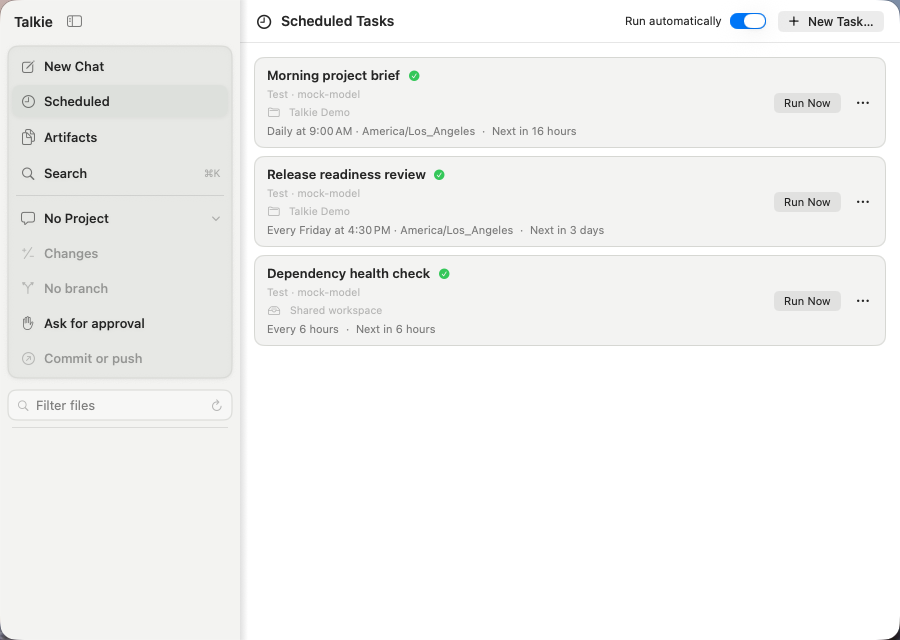
Inside Talkie: agents, sessions, and approvals
Each conversation retains its own provider, model, instructions, and reasoning mode. A streamed agent loop supports tool use, command approvals, and change review.
Scheduled agents keep their model, time zone, and working project. An unavailable folder visibly blocks the task instead of redirecting it elsewhere. Conversations are stored as local JSON; credentials live in the Keychain.
The Mac, iOS companion, and Safari extension share a session protocol. Version negotiation, revision-stamped state, and a durable command journal support reconnecting clients without duplicate command execution. Pairing uses per-device TLS identity and matching verification codes. Muzick’s session integration is in progress.
Talkie’s repository is private. This page is its public project overview.
Topside
Files, previews, editing, and persistent terminals in one keyboard-first workspace.
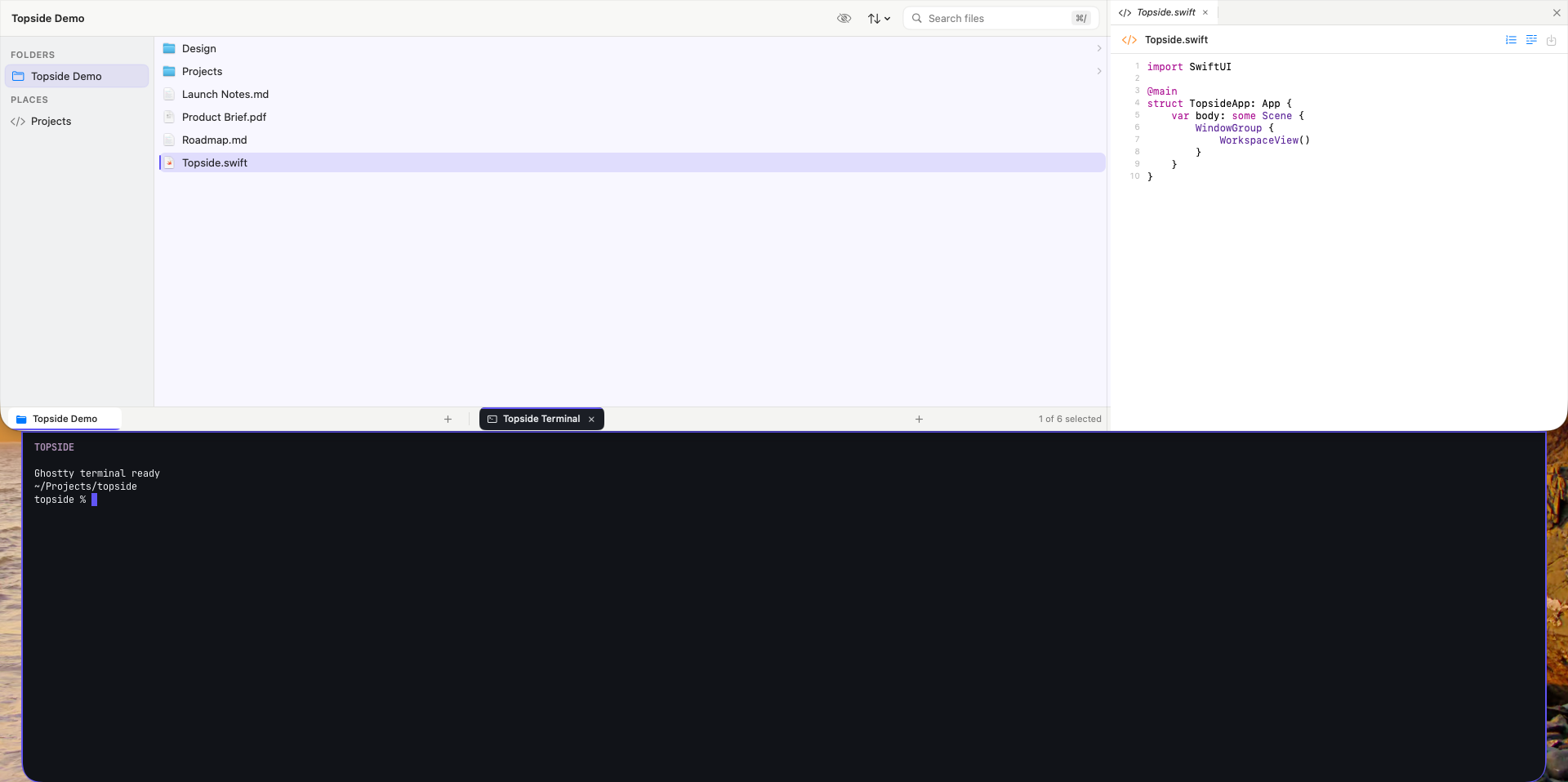
Inside Topside: file indexing and shared tools
Topside maintains a SQLite index over folders the user chooses. Miller columns keep the navigation path visible, and a tabbed work pane supports text, source, Markdown, PDF, and Quick Look. Embedded Ghostty terminals retain login shells.
Its LocalMCPKit tool surface returns approved folder and file metadata, without exposing file contents or arbitrary filesystem operations. Pairing requires approval and grants can be revoked individually.
The repository is private; the screenshot uses deterministic test content.
Clipboard
Search what you copied, with native previews for text, links, images, and media.
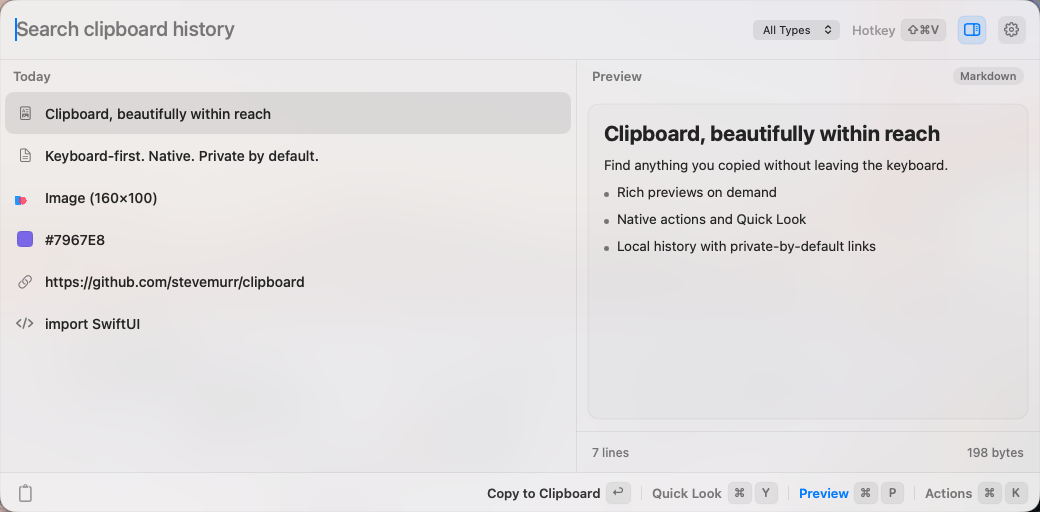
Inside Clipboard: history and optional app access
A SwiftUI interface lives in an AppKit floating panel. SwiftData history supports content deduplication and configurable retention; native previews use Quick Look, PDFKit, and AVFoundation.
Its optional MCP tools are disabled by default and require explicit pairing with revocable grants. Public source availability does not imply a distributed binary release.
The shared foundation
Reusable Swift packages and retrieval infrastructure connect the applications.
LocalMCPKit — explicit inter-app permissions
LocalMCPKit discovers, pairs with, and calls tools in other Mac applications. Schema-validated MCP commands travel over a custom encrypted local transport using Bonjour, Network.framework, and CryptoKit.
Approval is bound to a producer instance and key. Revocable grants use the data-protection Keychain; caller-supplied deadlines cover pairing, initialization, tool listing, and calls. Deterministic tests cover lifecycle behavior, tampering, replay, and credential rotation. They are not an independent security audit.
Windex — retrieval and a native control plane
Windex combines semantic and keyword search over eight public-source families plus conversation memory. Immutable pipeline revisions, pinned deployments, and resumable ingestion make sources operable. Retained text can be re-embedded without recrawling.
Its native SwiftUI pipeline editor is in development, with typed connections, schema-generated forms, undo/redo, local draft recovery, and visible conflict handling.
A paired embedding-model comparison supported the smaller model on fixed DevDocs and Hugging Face collections. Reranker investigation corrected query formatting and judge handling, but extreme scores remained unresolved. Reranking stayed disabled in the documented deployment; a fair judged fusion-versus-rerank comparison remained follow-up work.
Launcher — quick navigation and persistent terminals
Launcher combines application and System Settings search, file browsing, Quick Look, and a calculator. Its public source includes persistent shell sessions and libghostty-spm terminals that retain process, working directory, scrollback, and screen across navigation and remounts.
A packaged binary release is separate from the public source.
Muzick
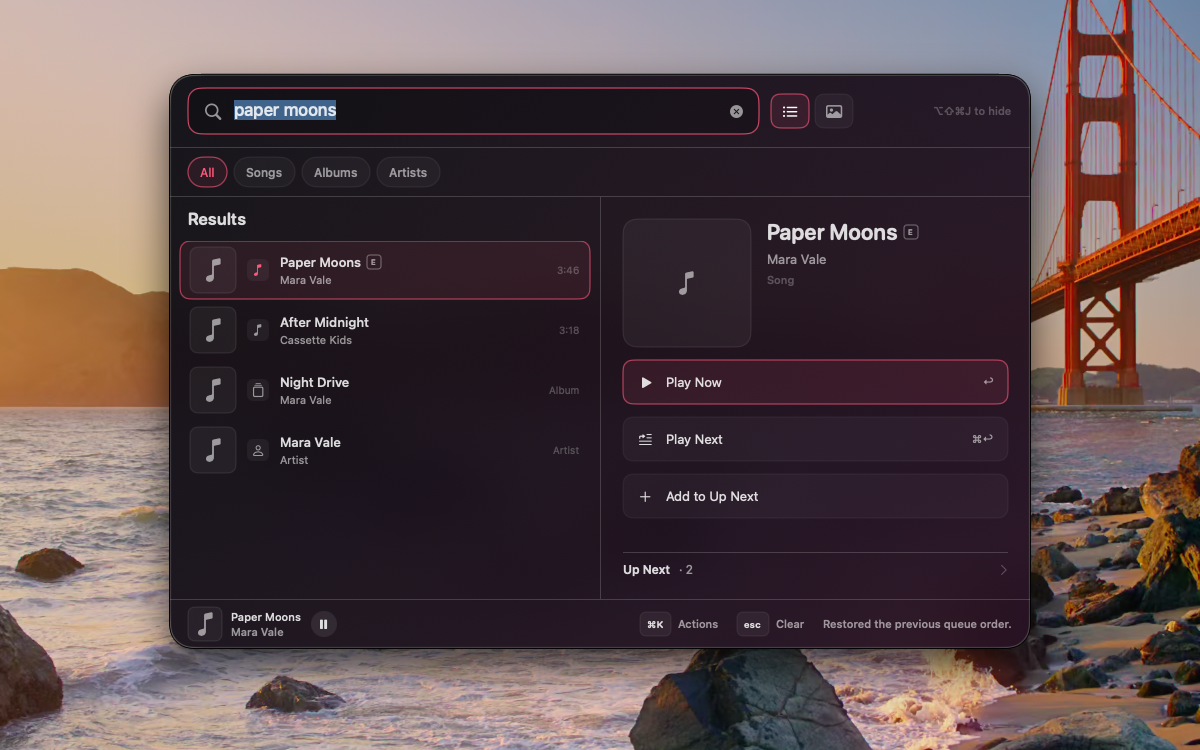
An Apple Music command palette with its own playback session and local history.
Testing and release preparation
The Mac portfolio uses deterministic services and XCUITest suites inside disposable Tart virtual machines, keeping UI automation isolated from the working desktop.
Release checks cover bundle identity, privacy manifests, entitlements, signatures, Hardened Runtime, and test-fixture exclusion. These are engineering practices and release gates, not a claim that every application has a distributed or notarized release.